Fully Automated Setup
Launch your call center effortlessly with our intelligent, fully automated process. Focus on your business while our system handles the technical complexities.
Streamlined Onboarding Process
Get started in minutes with just a few simple steps
Company & Call Center Details
Provide your company name and call center name to personalize your system.
Language & Voice Selection
Choose one or more languages your call center will support and select your preferred dialect voices. You can even listen to sample synthetic voices before making your selection.
Schedule & Holidays
Select your office schedule and add state holidays from our pre-defined list. This ensures your system adjusts call routing, voicemail, and IVR greetings on non-working days.
Hotline Configuration
Create hotline names—at least one is required. These hotlines form the basis for your call center's incoming call routing.
Automatic System Configuration
Once you provide the above details, our system automatically:
Professional Voice Messages
Creates tailored voice prompts and greetings using your selected synthetic voices.
IVR Structure
Automatically sets up an IVR menu that matches your business requirements.
Voicemail & ACD
Sets up voicemail, advanced call distribution (ACD), and other essential call center features.
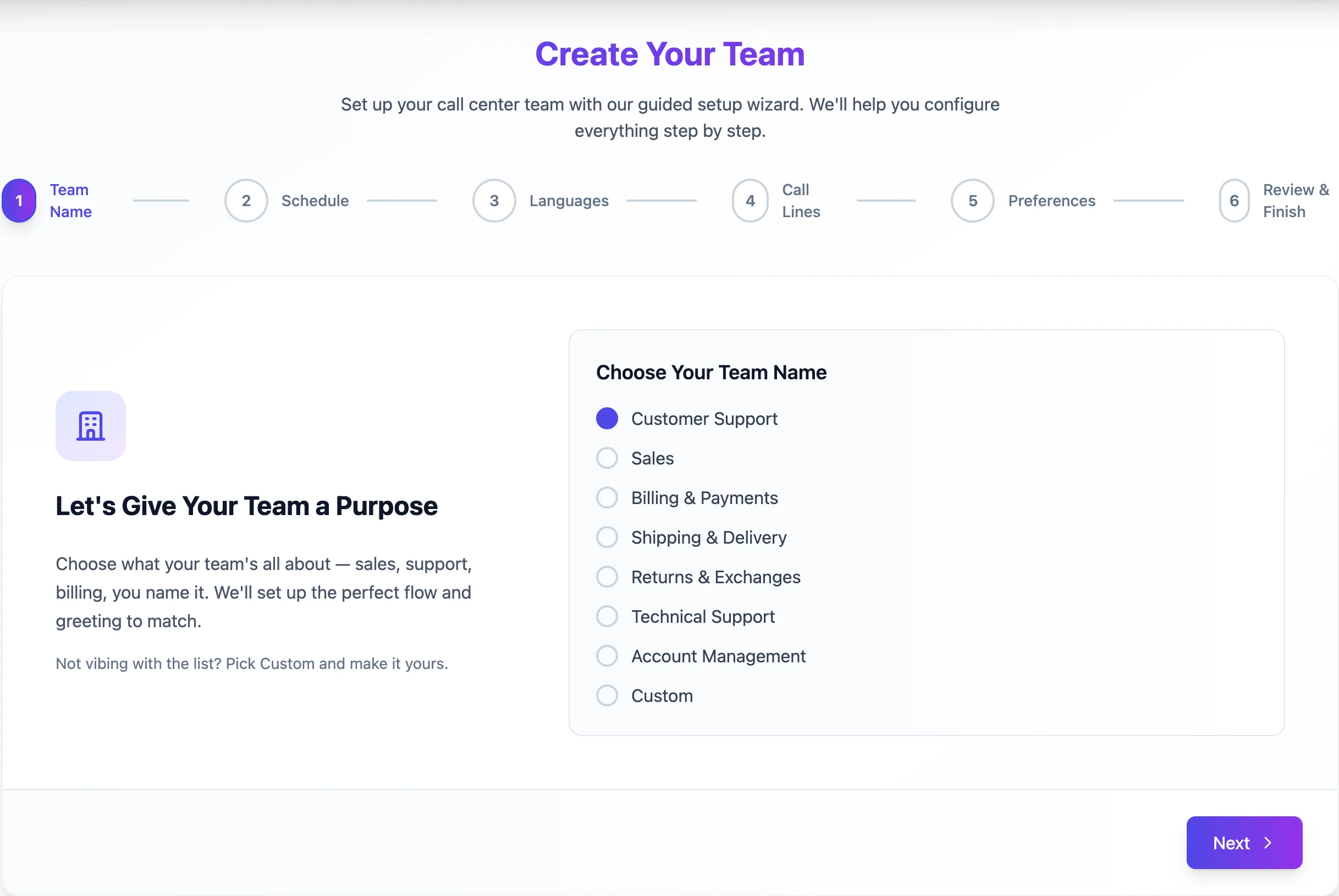
Step 1: Define your team's purpose